
Are Virtual Reality Gaming Spaces the Next Big Airbnb Amenity?
By: Menandro Bacalangco Jr. |
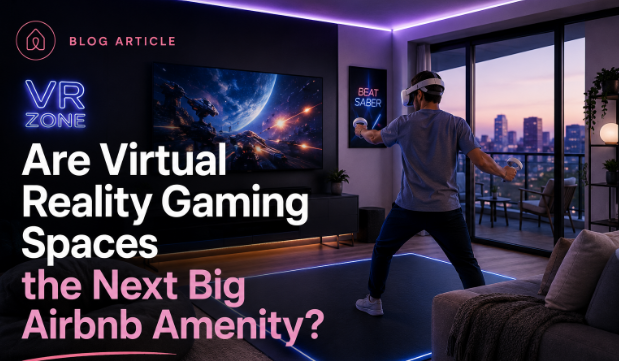
YES. As a host, adding high-end amenities like virtual reality gaming, immersive entertainment, and interactive tech is an excellent way to stand out in a competitive market, attract more bookings, and ultimately increase your earnings. By investing in these immersive technologies, you can significantly elevate the guest experience and capture the attention of modern travelers.
Key Takeaways
Adding high-end entertainment to your short-term rental can help you stand out and attract more guests. Here is the core of what you need to know.
- Virtual reality makes your listing unique and helps you stand out in a crowded market.
- Great amenities often lead to better nightly rates and longer stays.
- Choose simple equipment so guests can start playing without needing technical skills.
- Space planning and clear instructions are key to keeping guests safe.
- Clean and maintain your gear regularly to keep guests happy and healthy.
The rise of experiential amenities in short-term rentals
Today's travelers want more than just a place to sleep. They look for properties that are destinations on their own. They don't want basic extras; they want experiences they can be part of.
Shifting guest expectations beyond basic Wi-Fi
Fast Wi-Fi is no longer enough to impress. Guests now want to power high-quality media and work setups. This means you need better digital infrastructure to support these needs.
Aligning with the growth of immersive entertainment
Guests want entertainment that they can participate in, not just watch. By offering more than just standard TV, you give guests something fun to do during their stay, no matter the weather.
Differentiating properties in a saturated market
To win in a busy rental market, you need a hook. Unique, interactive features turn browsers into guests by offering something they cannot find anywhere else nearby.
Understanding the appeal of virtual reality gaming spaces
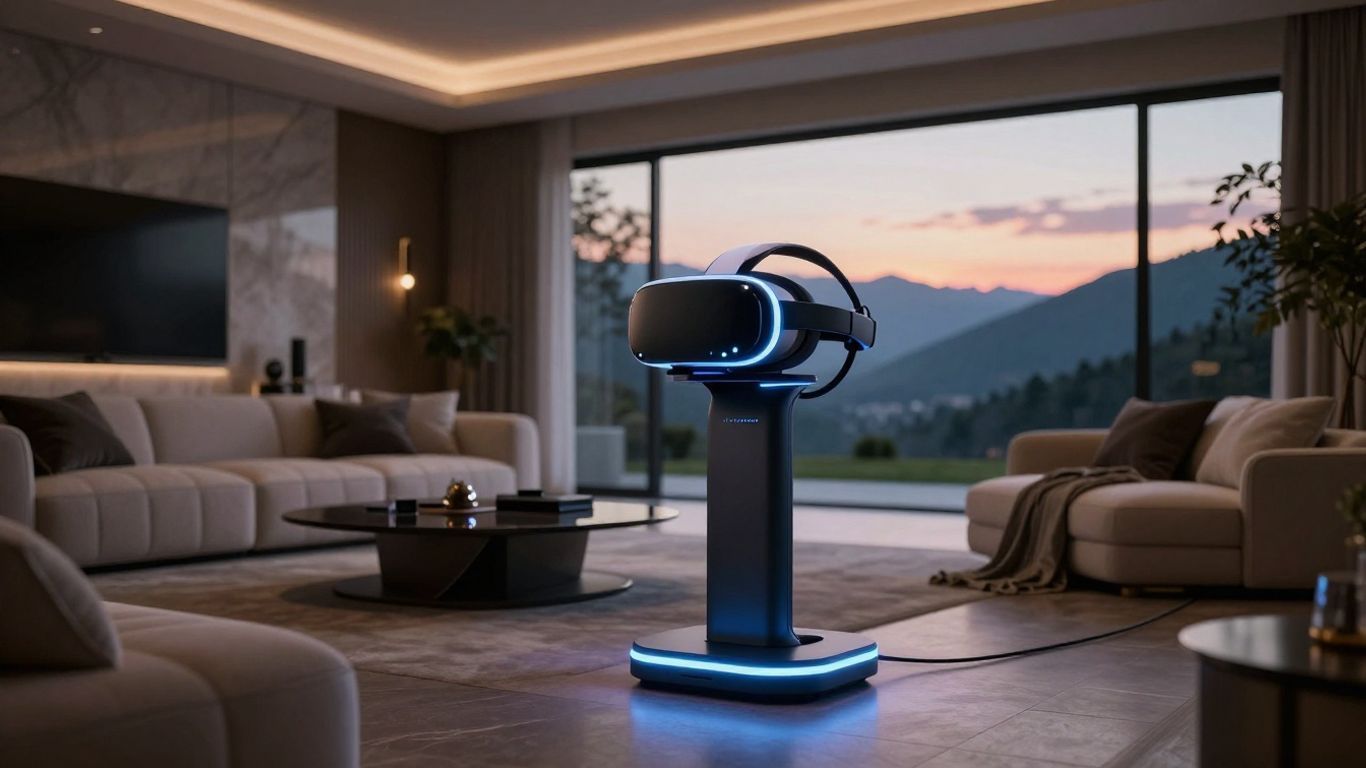
Adding interactive tech like Sandbox VR creates a huge draw for groups. These spaces aren't toys; they are major features that transform how guests use your rental.
Targeting tech-savvy families and millennial groups
Many travelers pick a rental specifically for shared experiences. A dedicated gaming area gives groups a perfect place to hang out together without needing to go out.
Providing weather-proof entertainment solutions
If the weather is bad, your guests won't be bored. A gaming area acts as a great backup plan that keeps the vacation fun alive indoors.
Exploring why guests prioritize entertainment-centric travel
Guests want their vacation home to feel like their own home. Offering services like Zero Latency VR lets them pursue their hobbies while traveling.
Hardware considerations for your rental
When picking equipment, look for things that are both fun and easy to use. The gear should be tough enough for repeated use but simple enough for any guest to understand.
Selecting user-friendly, standalone VR headsets
Avoid complicated setups with extra computers. Standalone headsets are much easier for guests to use and cause fewer headaches for you, the host.
Requirements for dedicated physical floor space
Safety is key. Keep your gaming area separate from the rest of your furniture. Use the guide below to set up your space correctly.
| Feature | Requirement | Benefit |
|---|---|---|
| Clear floor area | 8×8 feet minimum | Prevents bumping into things |
| Padding zones | High-density foam | Protects against bumps |
| Charging bank | Dedicated enclosure | Hides tangled cables |
Syncing gaming setups with property safety standards
Make sure your setup follows all fire and electrical rules. Working with professional installers can help prevent common issues like overloaded circuits or overheating equipment.
Managing guest safety and liability in virtual environments
Liability is the biggest concern. You can lower your risk through great design and clear instructions.
Establishing clear usage guidelines and disclaimers
Write a simple list of rules for your guests. Keep this somewhere they can easily find, like a digital guide or a printed binder.
Mitigating physical injury risks with padding and clearing
Guests can easily forget their real surroundings while playing. Padding the walls and removing trip hazards makes the experience much safer.
Protecting sensitive equipment from damage or theft
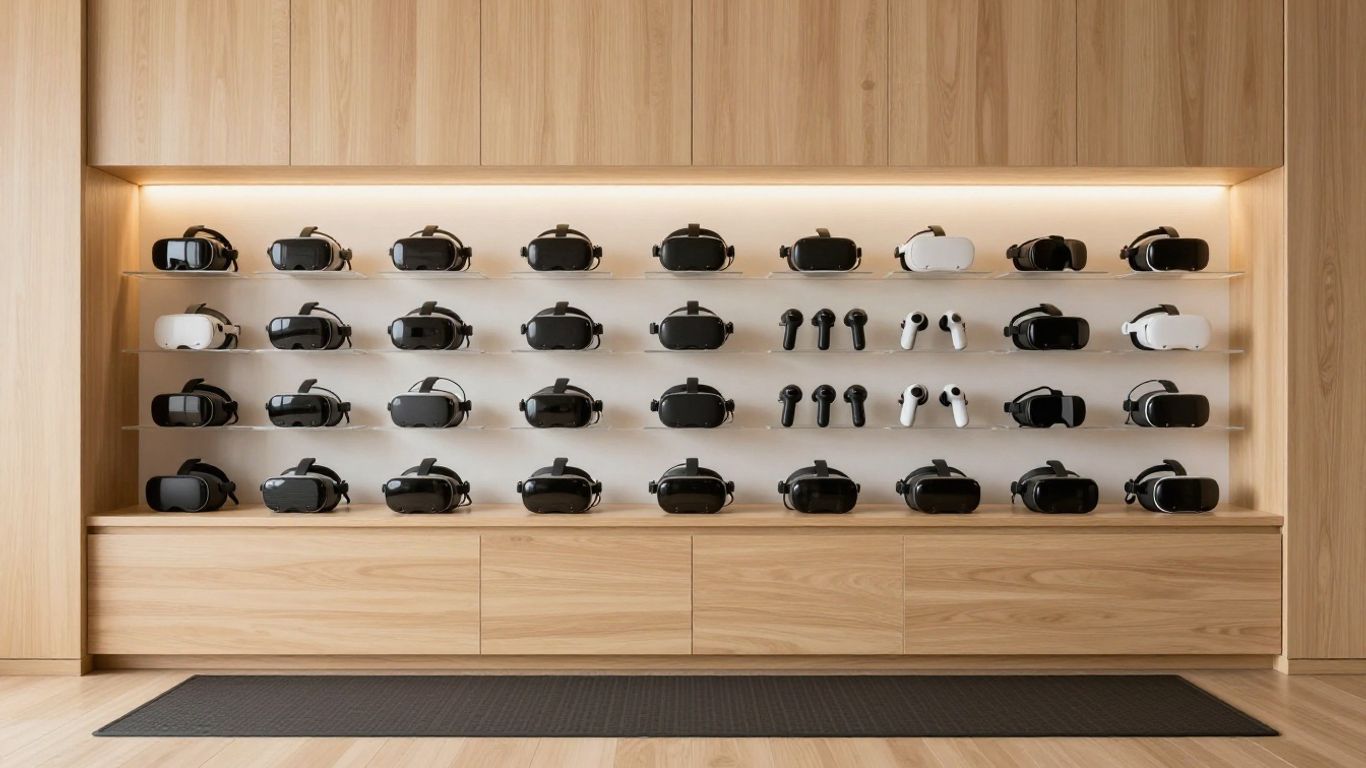
Keep your expensive gear safe and secure. Using locked, wall-mounted display cases keeps items tidy and prevents theft or accidental breakage.
Maintenance and operational best practices
These amenities need regular work. You cannot just install them and forget them. Keep your gear clean and working right to maintain your reputation.
Cleaning protocols for head-mounted displays
- Wipe down all face pads with medical-grade cleaners after every checkout.
- Use UV-C light boxes to sanitize headsets.
- Change disposable covers between each guest.
- Check that all controllers are fully charged for the next visitor.
Managing software updates and digital library subscriptions
Set gadgets to update when no one is staying at the home. Keep your game library updated and filled with appropriate titles for your guests.
Troubleshooting common connectivity issues for remote guests
You can often fix small tech problems remotely. A simple reboot of your internet router often solves connection issues, saving your guests a lot of frustration.
Measuring the return on investment for high-end amenities
See if your investment is paying off by tracking your booking revenue against the cost of your tech.
Impact on nightly rates and booking conversion
Listings with great gaming setups often see higher bookings, even during the slow season. A small increase in price can pay for the hardware in just a few months.
Leveraging VR as a promotional hook in listing descriptions
Make sure people notice your unique rooms. Mention the technology in your listing title and descriptions to capture travelers looking for something special.
Gathering guest feedback to optimize the experience
Ask your guests what they think. Their feedback will tell you if they liked the games and help you decide what to add or change next.
The future of VR in the hospitality industry
Virtual and real life are starting to blend. Technology will only get better, and it will likely become an even bigger part of the guest experience.
Integration with smart home and IoT ecosystems
In the future, your house might adjust lights and temperature automatically based on the game being played. This creates a deeply immersive and cool experience.
Moving from gaming to virtual concierge experiences
VR could soon help guests explore the neighborhood or book tours before they even leave the room.
Staying ahead of rapid technological shifts in travel
Stay competitive by updating your tech every few years. Watch for new gear that is lighter, more powerful, and easier to manage.
Conclusion
Blending technology and hospitality takes a bit of planning. If you do it well, you will provide a great experience that gets guests talking and keeps them coming back. If you need assistance, consider partnering with professional Luxury Airbnb Management services to help you implement these high-end amenities effectively.
Frequently Asked Questions
How much space do I need for a dedicated virtual reality room?
You need at least eight-by-eight feet of open, flat space to keep guests safe, plus room to store the equipment.
Can I install VR equipment in a small apartment rental?
Yes, just be smart about the space. Use versatile furniture so the room can work as both a gaming area and a living room.
What are the main cleaning considerations for shared headsets?
The best strategy is to use replaceable pads and UV-C sanitizing lights to keep everything fresh between guests.
Do I need a high-speed internet connection for VR to work well?
Yes. Many modern VR games rely on the cloud, so you need a fast and stable internet connection to ensure a smooth experience.
Who is the ideal guest for a rental with VR gaming?
Tech-focused families, groups of friends, and younger travelers are usually the ones most excited by these amenities.
Does adding high-end tech increase my property insurance costs?
Usually, the cost is small. Just check with your insurance provider to make sure your electronics are covered.
How often should I perform maintenance on the gaming setup?
Check that everything is clean and working after every guest visit. Perform a deep inspection once a month.
Share to social media
More posts